Where can I get the QR code?
After your booking is successful, customer service will send you the QR code and activation code right away. If you haven't received it, please contact customer service.
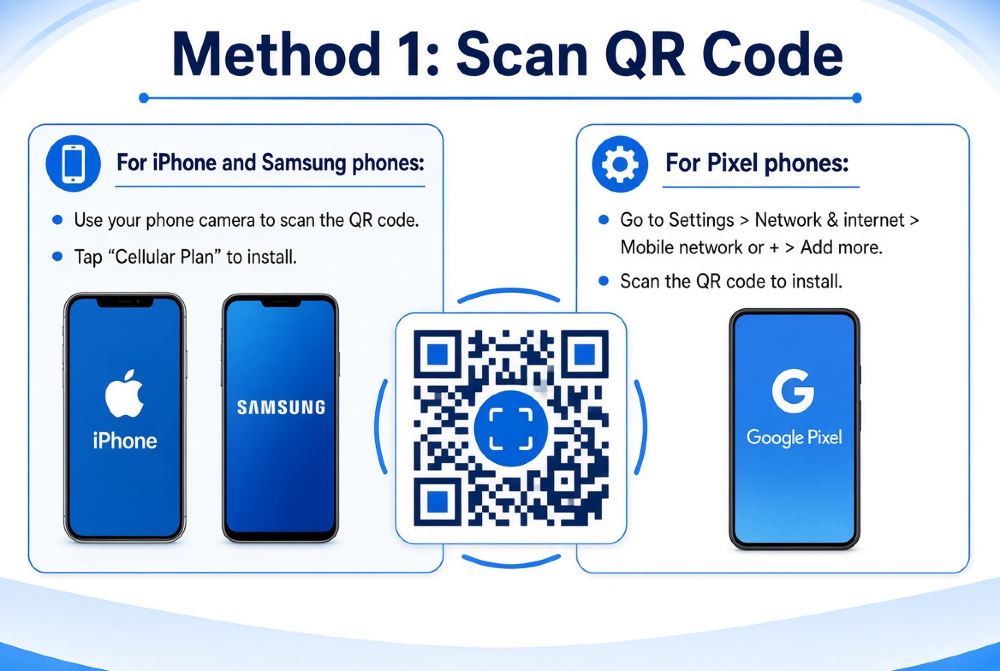
Scan the QR code
iPhone and Samsung:
Use your phone's camera to scan the QR code.
Tap 'Cellular Plan' to complete the setup.
Pixel:
Go to Settings > Network & Internet > Mobile Network or > Add more.
Scan the QR code to complete the setup.
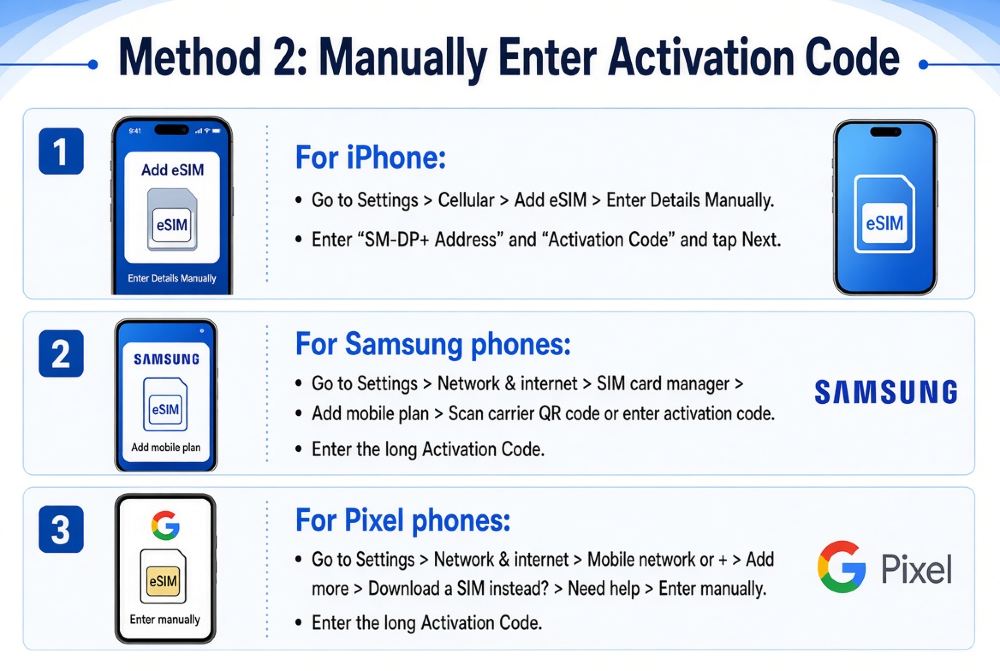
Manually Enter Activation Code
iPhone:
Go to Settings > Cellular > Add eSIM > Enter Details Manually.
Enter the “SM-DP Address” and “Activation Code,” then tap “Next.”
Samsung:
Go to Settings > Network & Internet > SIM Card Manager > Add Mobile Plan > Scan Carrier QR Code or Enter Activation Code.
Enter the full “Activation Code.”
Pixel:
Go to Settings > Network & Internet > Mobile Network or > Add More > Switch to Download SIM? > Need Help > Enter Manually.
Enter the full “Activation Code.”