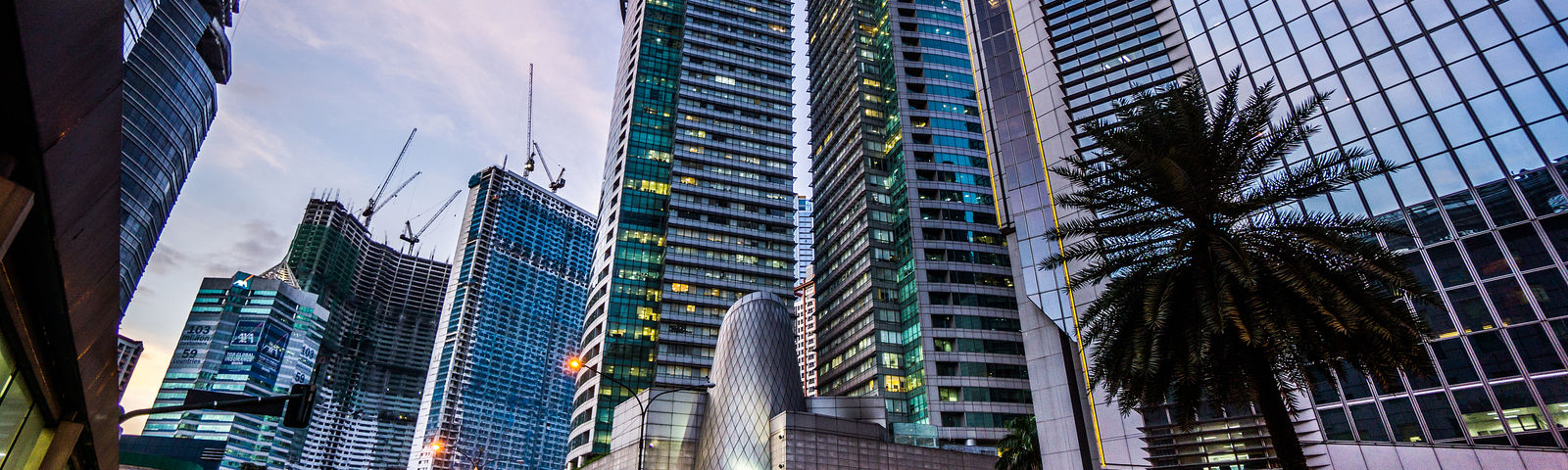
Top picks for Manila Wi-Fi & SIM cards
Discover 17 Wi-Fi & SIM cards in Manila on Trip.com, updated January 30, 2026, with experiences lasting from 1 to 2 hours. Find the perfect adventure for your day!
From AED 0.52 per person, with an average total of AED 12.03. Choose the option that suits your plan.
With 77.834k verified reviews, Wi-Fi & SIM cards Manila boast an average rating of 4.3.
This week's most popular Wi-Fi & SIM cards: "Mainland China 5G eSIM | Day Pass/Total Data Package | ChatGPT Available | 24-Hour Billing | 1-365 Days | QR Code", with 28.173k reviews and a 4.7 rating.
The next available day tour departs on January 31, 2026. Book now to secure your spot!
Manila Wi-Fi & SIM cards usually take about 1 hours — perfect for a relaxed, immersive experience!
January is the perfect time to visit Manila! Choose from Wi-Fi & SIM cards available day tours, including seasonal favorites like Mainland China 5G eSIM | Day Pass/Total Data Package | ChatGPT Available | 24-Hour Billing | 1-365 Days | QR Code.
Your trip, worry-free! All day tours are run by licensed suppliers with verified reviews, and many include free cancellation before departure.
17 results for Manila Wi-Fi & SIM cards
 91.3% of travelers recommendRenewableHotspot capableFree cancellationBook now for today4.6/5Satisfied· 1.3k reviews· 21.3k booked50% offLimited-time saleFromAED 0.52AED 1.04
 6.176k bookings in 7 daysRenewableHotspot capableFree cancellationBook now for today4.4/5Good· 14k reviews· 156.3k bookedFromAED 4.78
 158 bookings in 7 daysHotspot capableFree cancellationBook now for today4.2/5Good· 168 reviews· 3.1k booked57% offLimited-time saleFromAED 0.88AED 2.05
 778 bookings in 7 daysHotspot capableFree cancellationBook now for today4.3/5Good· 686 reviews· 18.2k booked70% offLimited-time saleFromAED 1.11AED 3.7
 195 bookings in 7 daysRenewableHotspot capableFree cancellationBook now for today4.5/5Satisfied· 288 reviews· 5.8k booked5% offLimited-time saleFromAED 4.05AED 4.27
 91.5% of travelers recommendRenewableHotspot capableFree cancellationBook now for today4.6/5Satisfied· 4.4k reviews· 43.5k bookedFromAED 7.35
 90% of travelers recommendHotspot capableFree cancellationBook now for today4.5/5Satisfied· 408 reviews· 8.2k booked50% offLimited-time saleFromAED 0.69AED 1.38
![[Asia] 4G network | Unlimited traffic | Self-pickup at the airport | WiFi rental, high-speed traffic, shared by multiple people, ready to use at boot, 12H standby, 24H customer service](https://ak-d.tripcdn.com/images//0582c12000or4chqfACBF_C_568_320.jpg?_fr=wc) 10 hours of battery life, pick up and return at the airport, use as much as you likeFree cancellation1.0/5· 1 review· 306 bookedFromAED 10.23
10 hours of battery life, pick up and return at the airport, use as much as you likeFree cancellation1.0/5· 1 review· 306 bookedFromAED 10.23 478 bookings in 7 daysRenewableHotspot capableFree cancellationBook now for today4.5/5Satisfied· 601 reviews· 9.3k booked50% offLimited-time saleFromAED 1.03AED 2.07
 48 bookings in 7 daysIncludes SMS messagesPhone calls supportedHotspot capableBook now for today4.1/5Good· 34 reviews· 1.2k booked15% offLimited-time saleFromAED 89.92AED 105.79
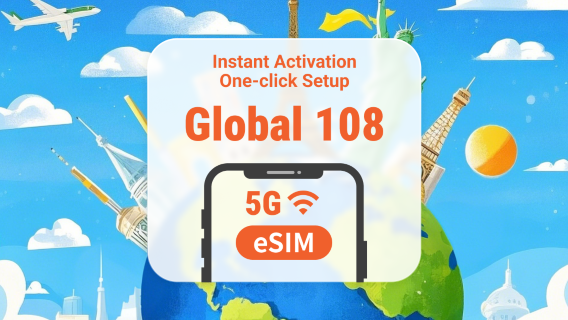 261 bookings in 7 daysHotspot capableFree cancellationBook now for today4.4/5Good· 315 reviews· 5.8k booked5% offLimited-time saleFromAED 4.37AED 4.61
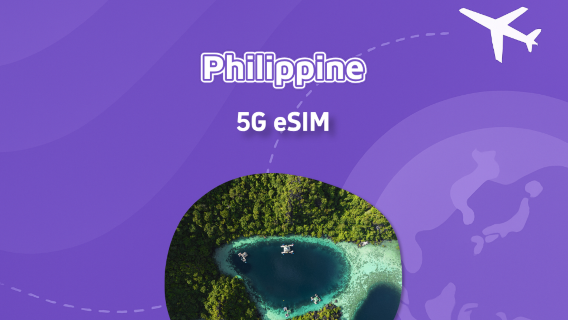 Hotspot capableFree cancellationBook now for today4.5/5Satisfied· 70 reviews· 1k booked60% offLimited-time saleFromAED 1.32AED 3.3
 53 bookings in 7 daysIncludes SMS messagesPhone calls supportedHotspot capableBook now for today4.7/5Very good· 6 reviews· 369 booked5% offLimited-time saleFromAED 95.42AED 100.45
 161 bookings in 7 daysRenewableHotspot capableFree cancellationBook now for today4.4/5Good· 428 reviews· 9.9k booked50% offLimited-time saleFromAED 1.46AED 2.92
 Hotspot capableFree cancellationBook now for today4.3/5Good· 7 reviews· 166 bookedFromAED 4.54
 39 bookings in 7 daysRenewableHotspot capableFree cancellationBook now for today4.0/5Good· 10 reviews· 194 bookedFromAED 4.36
![[Philippines] 5G | eSIM | 1-30 days available | Subscribe and use | Hotspot support | QR Code](https://ak-d.tripcdn.com/images//0583812000n1dar187D08_C_568_320.jpg?_fr=wc) 90.9% of travelers recommendHotspot capableFree cancellationBook now for today4.7/5Very good· 44 reviews· 601 bookedFromAED 6.08
90.9% of travelers recommendHotspot capableFree cancellationBook now for today4.7/5Very good· 44 reviews· 601 bookedFromAED 6.08 92.7% of travelers recommendRenewableHotspot capableFree cancellationBook now for today4.7/5Very good· 28.2k reviews· 636.3k booked50% offLimited-time saleFromAED 0.80AED 1.61
 92.8% of travelers recommendRenewableHotspot capableFree cancellationBook now for today4.7/5Very good· 14.3k reviews· 449.6k booked50% offLimited-time saleFromAED 0.80AED 1.61
 91.9% of travelers recommendHotspot capableFree cancellationBook now for today4.6/5Satisfied· 12.5k reviews· 316.7k booked50% offLimited-time saleFromAED 0.85AED 1.7
Explore top experiences
See what other travelers love, based on ratings and bookings
Frequently asked questions about Manila Wi-Fi & SIM cards
How many Wi-Fi & SIM cards are available in Manila on Trip.com?
What are the best Wi-Fi & SIM cards in Manila?
What are the top-rated Wi-Fi & SIM cards in Manila?
How can I contact Trip.com customer support?
Can I change or cancel my booking?
How can I get discounted prices?
Reviews/Trip Moments
Trip.com Picks
Popular Products
Popular Activities


About




Site Operator: Trip.com Travel Singapore Pte. Ltd.