Japan: KDDI (Japan IP, non-roaming service)
HomeJapanWi-Fi & SIM cardsKDDI Japan 5G Local eSIM | Supports All AI/TikTok | Daily/Full-up Package | 100GB/day | 3-30 days | Calendar-Day Billing | QR code

KDDI Japan 5G Local eSIM | Supports All AI/TikTok | Daily/Full-up Package | 100GB/day | 3-30 days | Calendar-Day Billing | QR code
4.7/5
Good(681 reviews)
25K+ bookedUse anytime during validity
Book now for today
Booking confirmation
Non-refundable
From
TWD 114
Limited-time sale
5% off
Select package
Device info
Product details
Purchase an eSIM and receive a Lawson e-voucher.
Event Dates: October 1, 2026 - November 20, 2026
Redemption link:
Redeemable items:
[Takeout Only] Free voucher for a small hot coffee or a small iced coffee at Machi Cafe (160 yen including tax).
[Takeout Only] Fruit Ice Balls, Purple Grape and Muscat Grape Flavors (184 yen including tax) "Free Redemption Voucher"
How to claim: Copy the order number from the order confirmation page to the designated link to claim.
Notes:
*Product vouchers must be redeemed within the validity period of the promotion; they will expire after that period.
*This is a promotional event, and the participating products may change at any time. Please refer to the final product display for specific details.
*Items participating in the event are only available for takeout.
*Limited quantity, first come first served!
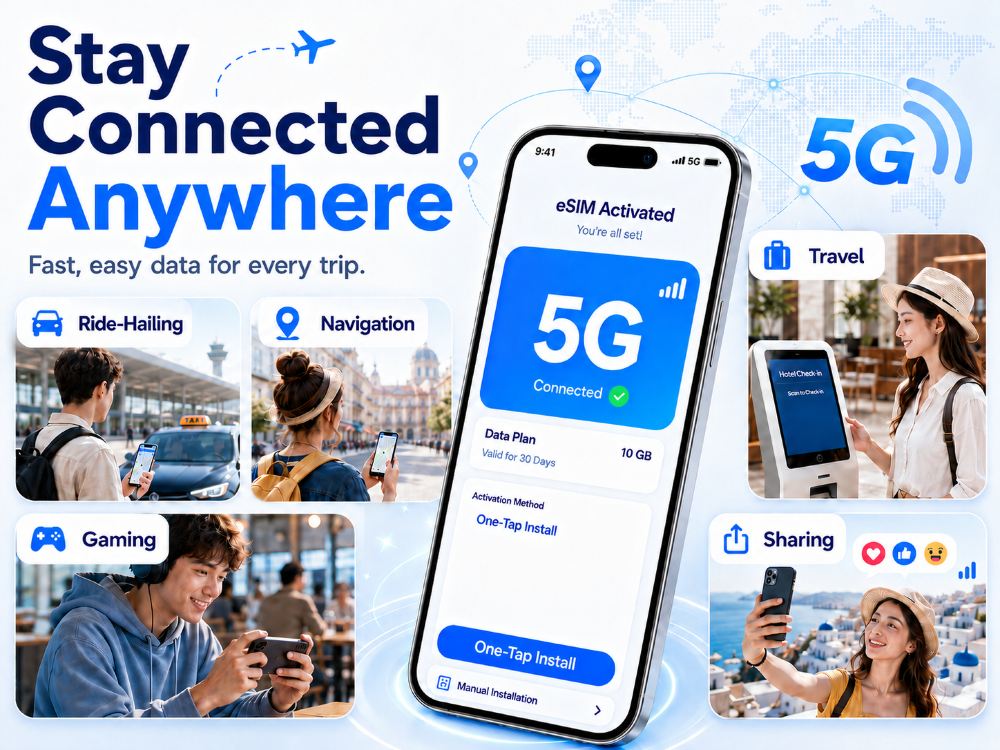
All models support one-click installation. Please make sure you are connected to a stable network before installation (installation may fail on some airport WiFi networks).


Show less
Validity period
Valid for 90 days from the booking date, Valid for 1 use(s) only
What's included
eSIM+data Option
Support hotspot sharing
SMS+Call+Voice
Add-on
How to use
[Friendly Reminder: Please ensure you have a stable network connection before installing. Do not delete after installation.]
[Install eSIM]
Method 1: Scan to Install
iPhone: Settings - Cellular - Add eSIM - Use QR Code - Scan QR Code
Other Brands (Installation method may vary slightly depending on the model): Settings - Network & Internet - SIM Card - Add SIM Card - Scan QR Code
Method 2: Manual Installation
Settings - Network - Add eSIM - Use QR Code - Manually Enter Details
[Using eSIM]
Turn off the primary SIM card - Turn on the eSIM switch
[About APN]
If you cannot connect to the network, please manually switch the APN: uad5gn.au-net.ne.jp
iPhone: Cellular - eSIM - Cellular Data Network
Other Brands: Network - eSIM - Access Point Names
To use hotspot sharing, please set the APN to: uad5gn.au-net.ne.jp
[Multiple Downloads and Installations Not Supported]
Each QR code can only be downloaded and installed once. Do not delete it from your phone during use.
[Merchant Customer Support] If you encounter any problems during use, please do not delete the installed eSIM. Send a screenshot of your phone's settings page to the merchant's customer service, and we will handle it for you quickly.
Actual operation steps may vary depending on the system version and phone model.
Change & cancellation policies
Please note that the booking cannot be canceled once it is confirmed
The selected date and time cannot be modified after booking.
Important note
[Buy and use immediately]
The eSIM QR code will be delivered immediately after ordering, and you can install and activate it at any time.
[eSIM Usage Conditions]
1. The device supports eSIM functionality.
How to check: Dial *#06# on the phone screen. Generally, the presence of EID indicates eSIM support; without EID, eSIM cannot be used.
2. Mobile phone without network lock
How to check: Confirm with your mobile network operator whether your device is locked to the network.
*Please check that the above conditions are met before purchasing. Only if all conditions are met can eSIM be used normally.
[Set up eSIM]
Installing an eSIM requires a network connection. Please ensure you are already connected to a stable network before installation (installation may fail due to some airport Wi-Fi networks). Installing an eSIM and enabling data roaming in a foreign country/region will cause the eSIM to become invalid or prematurely calculate usage time.
[Disable roaming function for domestic SIM cards]
Before using an eSIM, please be sure to turn off data roaming on your domestic SIM card to avoid incurring high international roaming charges by using your domestic SIM card's mobile data network. You will be responsible for all associated costs; no additional subsidies will be provided. These costs include roaming fees, overseas SIM card/eSIM purchase fees, and transportation expenses.
[Upholding the principle of fair use of the network]
To maintain network connectivity and uphold the Fair Usage Policy (FUP), telecommunications companies worldwide sometimes impose data throttling on users who consume large amounts of data within a short period, which may result in internet access disruptions or slower speeds. To ensure a stable internet connection, please avoid prolonged periods of watching/downloading videos, updating software, sharing your hotspot with others, or engaging in other activities that consume excessive data.
FAQ
How do I find out if my phone supports eSIMs?
Your phone must meet two conditions:
1. Dial *#06# in the phone call interface. If an EID is displayed, it indicates that your phone supports eSIM. Without an EID, an eSIM cannot be used.
2. Confirm with your carrier to ensure your phone is not locked to a network.
How can I fix issues with my eSIM?
1. Select eSIM as your mobile data source.
2. Turn on data roaming.
3. Refer to the how to use guide for manual APN setup.
4. Restarting your phone may also help.
5. If none of the above work, contact customer support
Can I use an eSIM and a SIM card at the same time?
Yes, with dual SIM functionality, you can activate both a physical SIM card and an eSIM simultaneously.
How to solve eSIM hotspot issues? What can I do if my eSIM's hotspot is not working?
Due to varying phone models, if your eSIM supports hotspot functionality but cannot use it, try the following:
1. Check if your phone is a contract or locked device
2. Ensure any VPNs are disabled
3. Make sure to turn on data roaming
4. Check if the eSIM is set as the primary device
5. Update your phone to the latest version
6. Use a physical SIM for internet, enable hotspot sharing (ensure it's available), then switch to eSIM without turning off the hotspot. Repeat this process several times, including restarting your phone several times.
7. If none of the above work, contact customer support
What can I do if I lost my eSIM installation QR code? I am experiencing a "This code is no longer valid" error.
Contact customer service with your booking number and a screenshot of your phone settings so we can provide you with support and assistance.
Where can I find the EID and IMEI on my phone?
The EID functions as a digital signature that links devices to mobile networks, typically comprising 32 characters, which include both letters and numbers. The IMEI, or International Mobile Equipment Identity, serves as a unique identifier for your phone and is generally 15 digits long.
For iPhones, you can find your EID and IMEI by going to "Settings" > "General" > "About" > EID/IMEI. Another quick way to find your EID and IMEI is by dialing *#06#, which will display a screen with your device information.
For Samsung phones, go to "Settings" > "About Phone" > "Status Information" > IMEI/EID
How do I activate a renewal?
For total volume-based eSIMs, the renewal will automatically activate after the first plan has been completely used up. You don't need to scan the code again for installation. Once the first plan is used up, refresh the network, wait a few minutes, and it will automatically renew for you.
For daily-based eSIMs: The renewal booking will automatically activate after the days covered by the first booking's package have used up. You don't need to scan the code again.
Additionally, if you want to use eSIM on a different phone, please do not place a renewal booking, as renewal bookings do not support changing phones.
Can I still purchase your service if I have already activated an eSIM on my phone?
Yes, your phone can store multiple eSIM profiles at the same time. You can choose which one to use in your phone settings.
Trip.com picks
Popular Destinations
Things to do in ShanghaiThings to do in BeijingThings to do in Hong KongThings to do in OsakaThings to do in ZhangjiajieThings to do in SingaporeThings to do in ChongqingThings to do in TokyoThings to do in GuangzhouThings to do in Xi'anThings to do in ChinaThings to do in JapanThings to do in ThailandThings to do in VietnamThings to do in South Korea