


Why book Japan rail tickets on Trip.com?
 Official partner of global rail operatorsWe work with over 300 companies, including National Rail, Trenitalia, Renfe, DB, and SNCF
 Cheap trains in Europe and AsiaPromotions and discounts for getting cheap train tickets
 Multiple currencies accepted35 currencies accepted, including GBP, USD, EUR, and more
 Online customer supportQuick response time, no waiting around required!
- Choose route
Shinkansen from Tokyo
Shinkansen from Kyoto
Shinkansen from Osaka
Shinkansen from Nagoya
Shinkansen from Fukuoka
Shinkansen to Kansai-Airport
Shinkansen to Narita Airport Terminal 1
Shinkansen from Tokyo
Step back in time to explore Tokyo’s historic Senso-ji temple one day and take in the futuristic flashing lights of Shibuya Crossing and the city skyline the next. Continue by Shinkansen from Tokyo to Kyoto, Osaka and Nikko at lightning speeds.


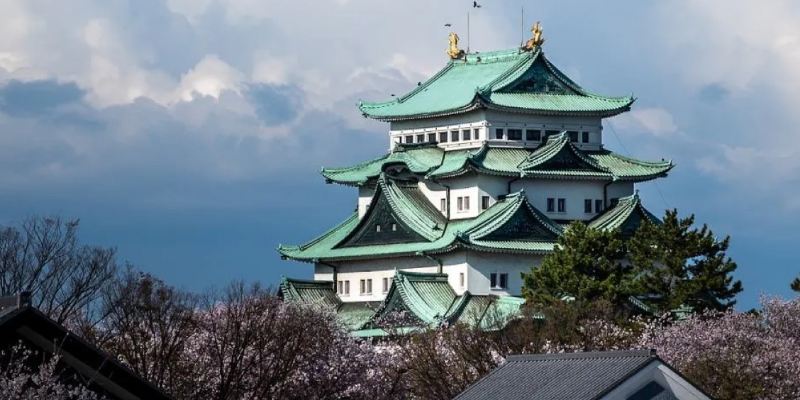



Shinkansen from Kyoto
Visit Kyoto, Japan’s cultural capital teeming with classical Buddhist temples like Fushimi Inari Taisha and serene Zen gardens. From here, you can transition to the lively food haven of Osaka by Shinkansen, as well as top destinations like Tokyo and Hiroshima.




Shinkansen from Osaka
Indulge in Osaka’s food scene at Dotonbori or visit Universal Studios Japan, a haven for fans of Nintendo. When you’ve taken it all in, hop on the Shinkansen to nearby Kyoto, Kobe or all the way to Japan’s capital, Tokyo.

Shinkansen from Nagoya
Enjoy the relaxed pace of Nagoya, from theme parks like Ghibli Park and LEGOLAND Japan to the ancient Atsuta Shrine and the shopping at Osu Kannon Temple. Nagoya is a convenient Shinkansen junction connecting Kyoto, Osaka, Tokyo and more.


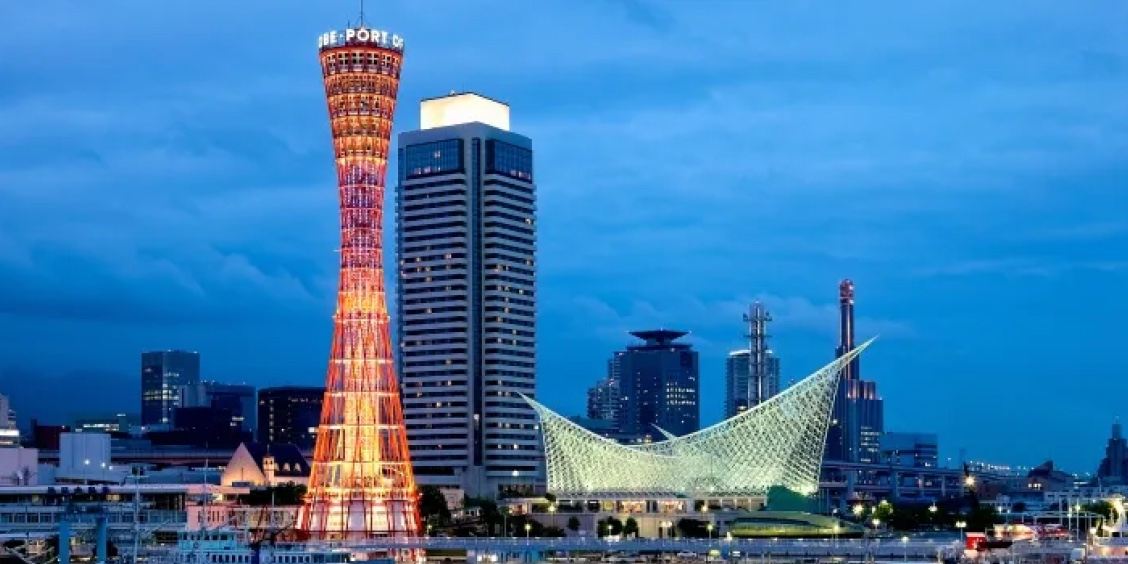



Shinkansen from Fukuoka
Soak up Fukuoka’s laid-back coastal atmosphere with street food at the ‘yatai’ on Nakasu Island or explore Ohori Park and Fukuoka Castle ruins. Continue to the volcanic south by Shinkansen to Kumamoto and Kagoshima or head for bustling Osaka and Tokyo.
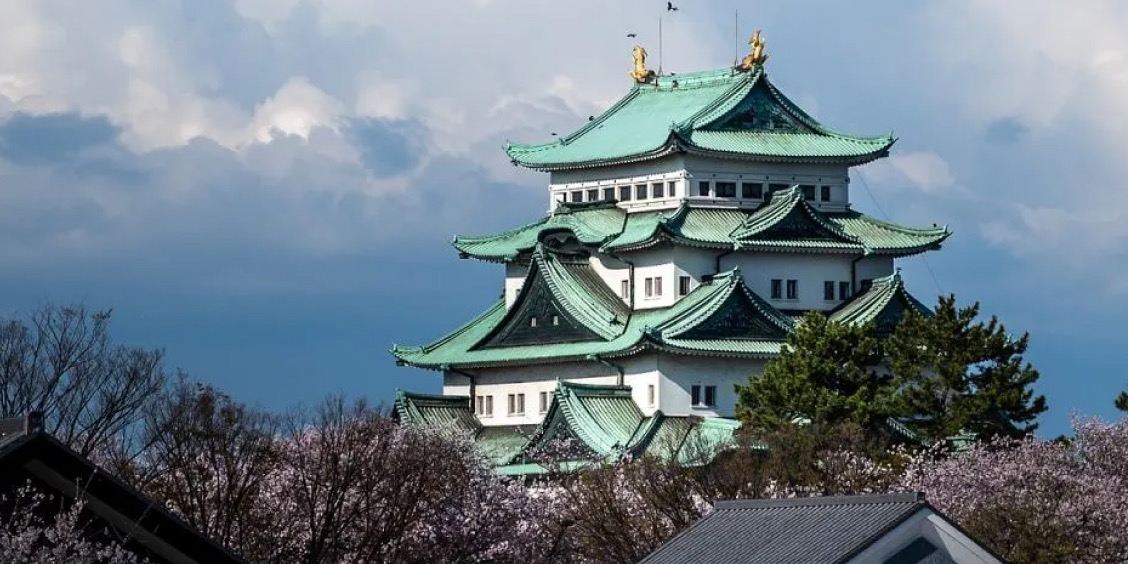

Shinkansen to Kansai-Airport
Built on a man-made island in Osaka Bay, Kansai Airport is located about 24 miles southwest of central Osaka. The airport’s train station offers connections to Shin-Osaka Station, from which point you can take the Shinkansen to Tokyo, Fukuoka, Hiroshima and more.
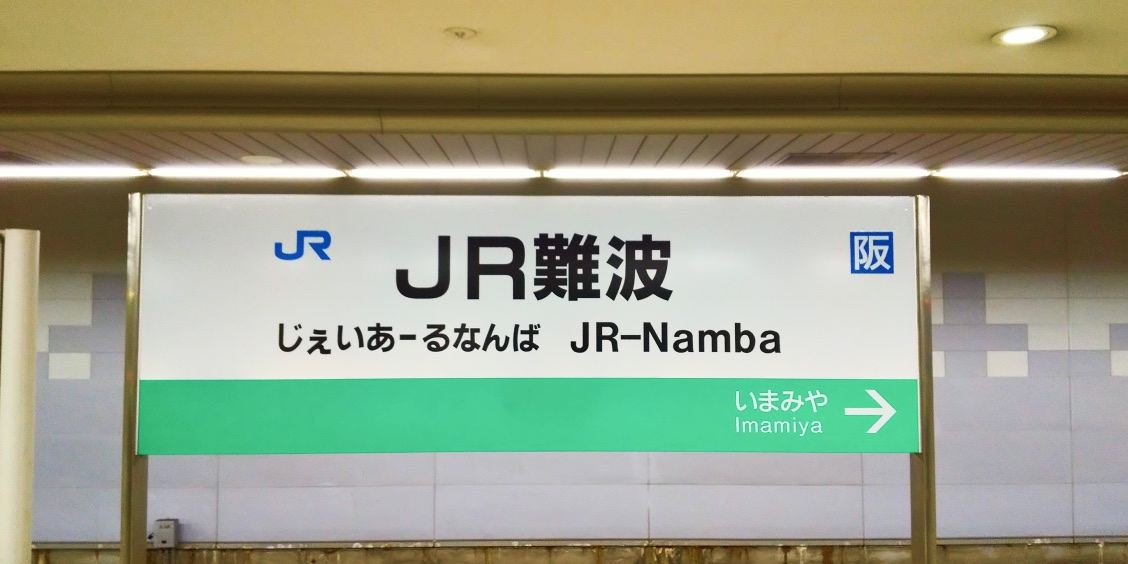

Shinkansen to Narita Airport Terminal 1
Narita Airport is a sprawling complex located about 40 miles east of central Tokyo. Take the Narita Express from the Basement B1 Station into Tokyo for Shinkansen connections to Kyoto, Osaka and other top destinations.

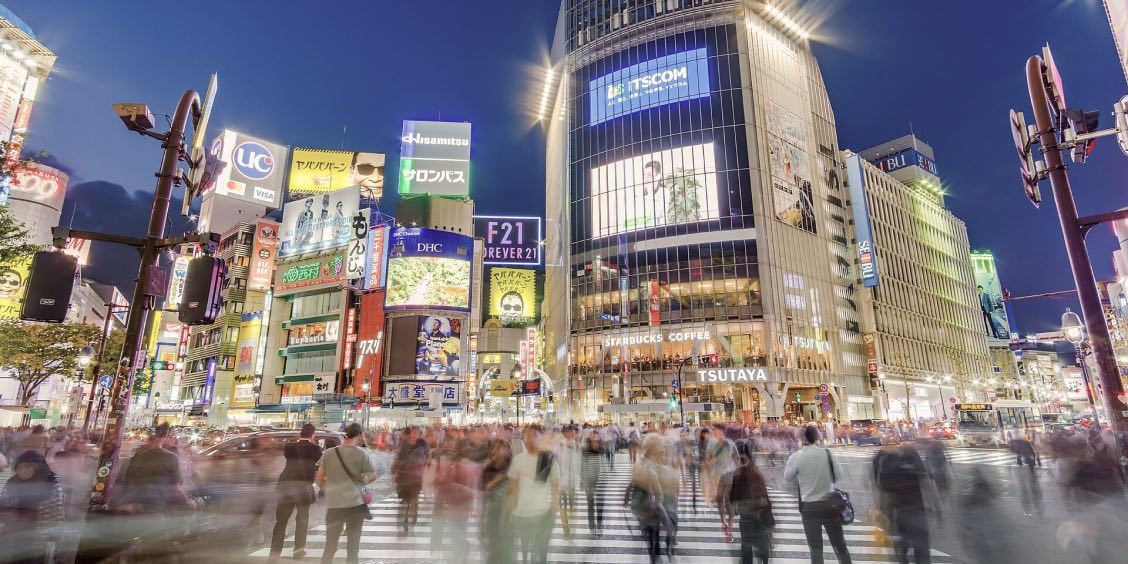

How to book and use Japan train tickets with Trip.com
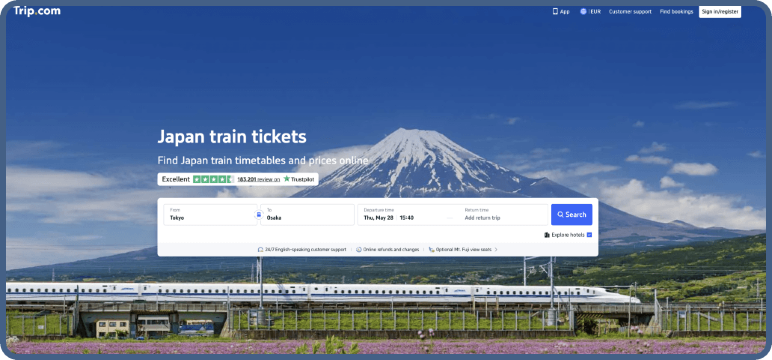
Step 01Search for trains
Enter your origin and destination, select your travel dates and number of passengers. Add a return date if needed to see Shinkansen schedules on Trip.com.
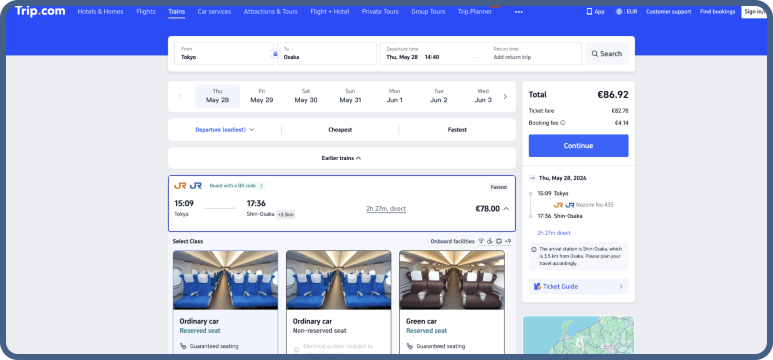
Step 02Select your departure and seat class
Pick your departure time and choose Ordinary or Green Car class. Click through and complete the passenger details in the form.
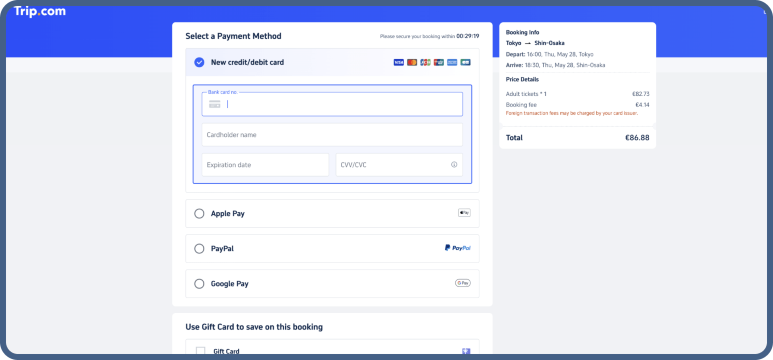
Step 03Pay securely
Complete your booking and pay in your chosen currency with secure payment methods, including credit/debit cards, Apple Pay, PayPal, and Google Pay.
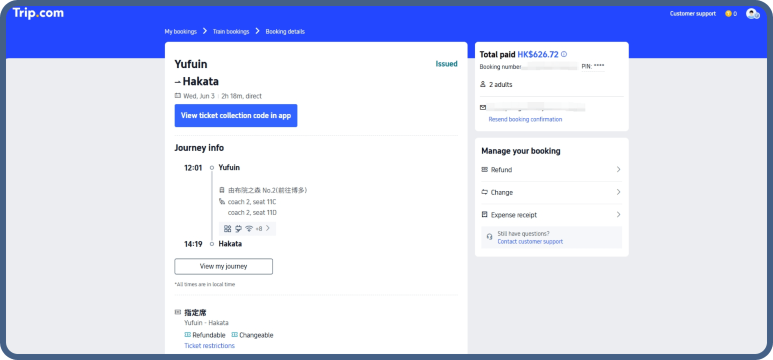
Step 04Receive your QR code
Receive your e-tickets and itinerary details via email or through the Trip.com app. Confirmation is instant as soon as payment is complete.
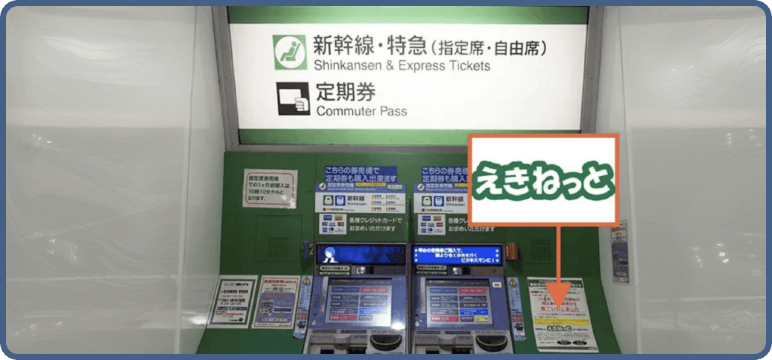
Step 05Enter the station
For most journeys, you can go through the ticket gates by scanning your QR code. If needed, you can easily print tickets at the ticket machine.
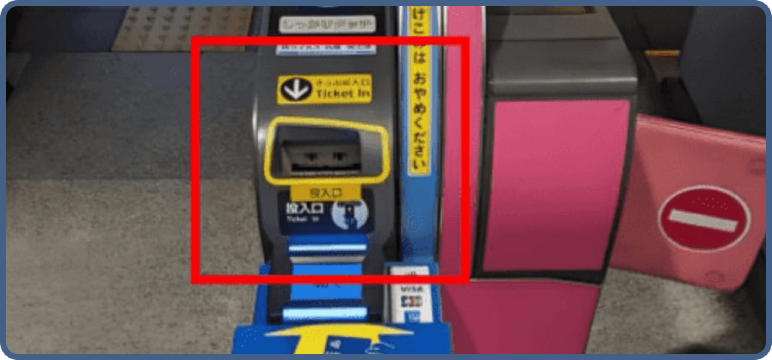
Step 06Board the train
Scan your QR code or insert your paper ticket into the barriers to access the platforms and board the train.
Popular Shinkansen Routes
Top Destinations
Top Train Stations