Trip.com booking fees: service charges, costs, and how to avoid them

By Trip.com
February 10, 2026
If you’ve ever booked flights or hotels online, chances are you’ve already used Trip.com.
While prices may look incredibly competitive at first, many travelers notice additional fees at checkout, commonly known as Trip.com booking fees.
In this guide, we’ll walk you through everything you need to know about booking fees on Trip.com: what they are, how much they cost, why they’re charged, and how you can minimize them or avoid paying unnecessary extra costs.


What are the booking fees on Trip.com?
Booking fees are additional charges that Trip.com may add to your booking price.
This amount is separate from the base price of the travel service itself.
These fees are separate from airline taxes, hotel taxes, or government fees and are collected by Trip.com, rather than the airline or hotel.
Trip.com booking fees (sometimes referred to as Trip.com service fees) are fees charged by the platform and added to the total cost of your booking.
Includes:
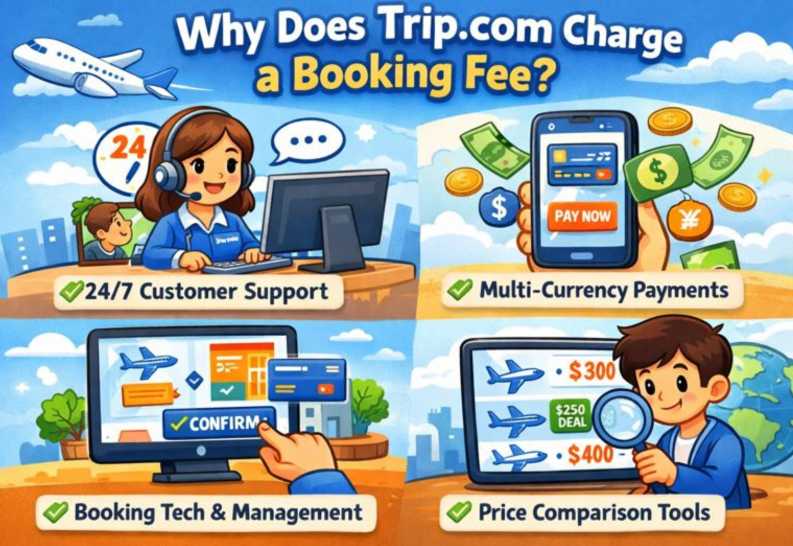
| What's included in your Trip.com booking fee? | Details |
|---|---|
We're processing your booking | Manage and confirm your flight, hotel, and activity bookings |
Payment processing | Secure payment processing and currency conversion |
Customer Support | Easily connect with Trip.com customer service before and after your booking. |
Book and Manage Your Tickets | E-ticketing, booking updates, and itinerary management |
What are the booking fees on Trip.com?
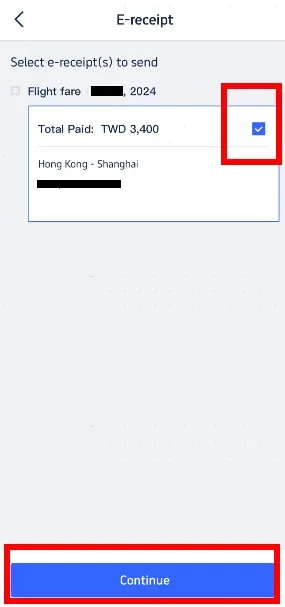
At Trip.com, there are no fixed booking fees. The amount depends on your booking type, destination, and the total cost of your trip.
The exact booking or service fee isn't a fixed amount; it varies depending on:
- Booking types: Flights, hotels, train tickets, tours, and more.
- Travel product price: Actual fees are often higher for higher-priced bookings.
- Region and Currency: International and local fees may vary.
Service fees are usually included in the total price before you confirm your booking, so be sure to review the final amount before you pay.
Typical service fee ranges at Trip.com
| Booking Type | Estimated booking fees from Trip.com |
|---|---|
Flights | AED 40–120 per ticket |
Hotel Bookings | AED 14–27 per night |
Train Tickets | AED 20–59 per booking |
Car Rentals / Activities | Varies depending on the service provider |
Other fees to look out for on Trip.com
In addition to Trip.com booking fees, travelers should be aware of these potential extra costs:
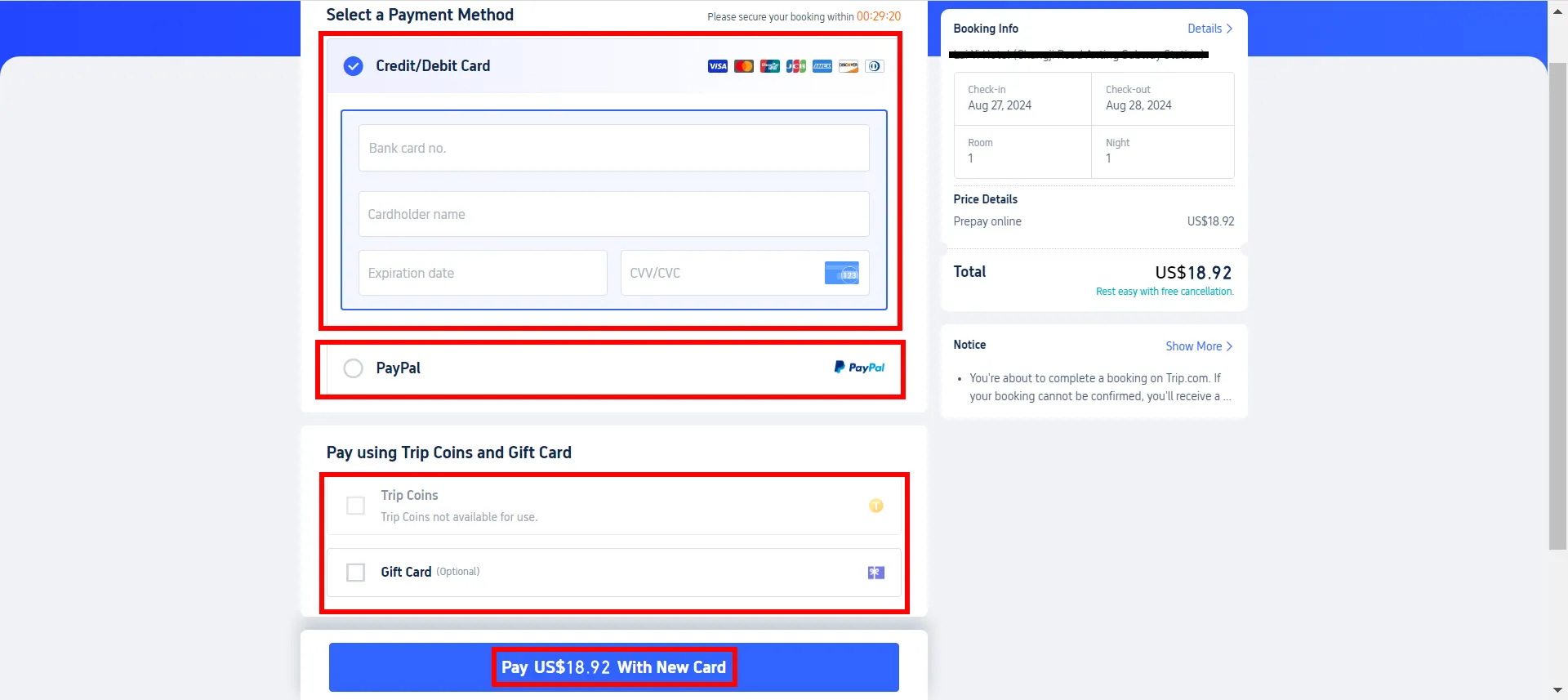
Credit card or payment fees
Just a heads-up: some credit card companies or payment providers may charge international transaction fees (typically ranging from about 1% to 1.5%) when you pay through foreign websites.
These aren't Trip.com fees, but they are added to the total cost.
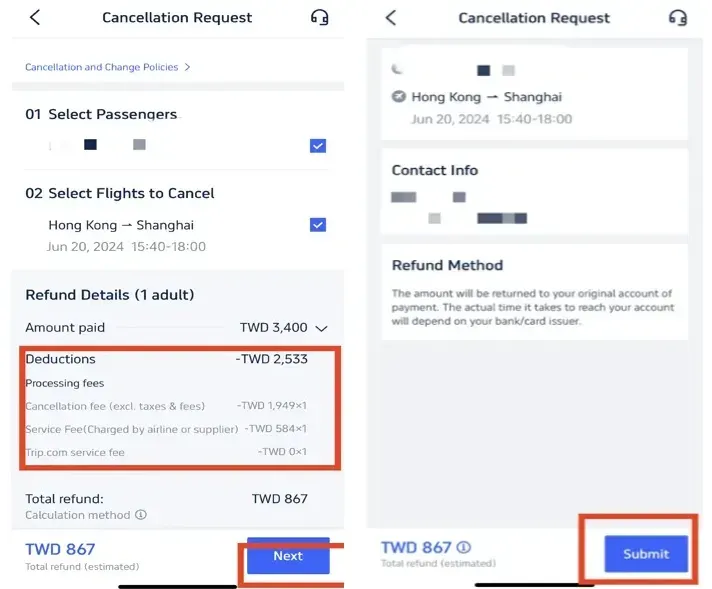
Change and Cancellation Fees
If you change or cancel your booking, please note that Trip.com, the airline, or the hotel may charge a fee for the change or cancellation.
Sometimes, Trip.com adds its own administrative processing fees in addition to the fees charged by the supplier.
Additional fees
Airlines may charge additional fees for seat selection, checked baggage, or other add-ons. These fees might appear separately from your Trip.com booking charges.
These fees are often not included in the initial price and may increase your final total cost.
Amazing hotel deals and discounts at great prices
Looking for the best-value hotels in UAE and nearby holiday destinations? Check out these budget-friendly options that come highly recommended by our travelers. Best of all, you can enjoy extra discounts of up to 55% on the selected hotels below!

This promotion is valid until December 31, 2026.
Why does Trip.com charge booking fees?
How to Reduce or Avoid Booking Fees on Trip.com
If you're looking to book smarter, here are some practical ways to lower your total cost:
Compare with direct booking
Always compare prices with:
- Official Airline Websites
- Direct Hotel Websites
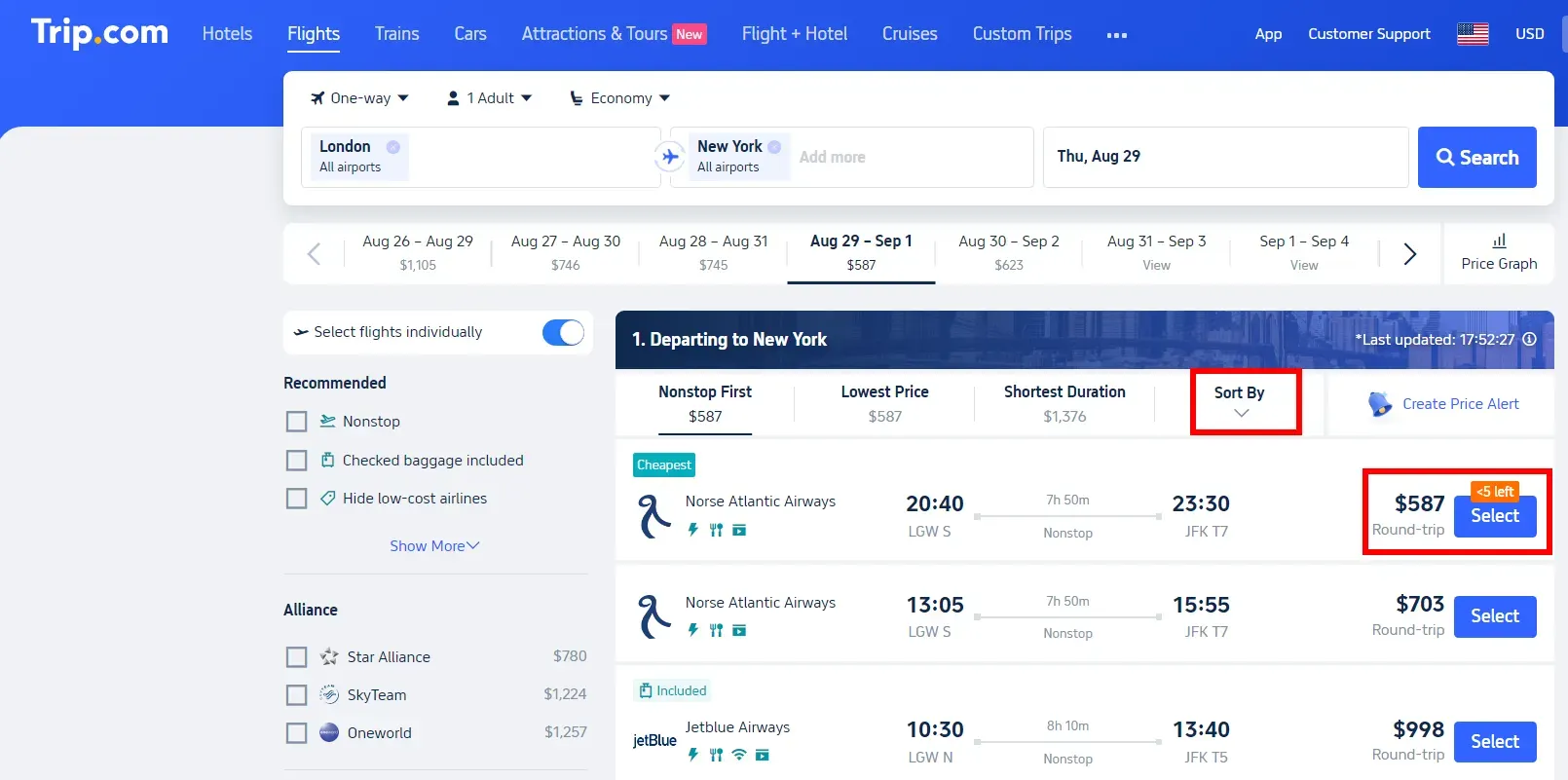
Sometimes, booking directly means you can skip the platform service fees entirely.
Double-check the final price carefully
Trip.com shows the total price before you pay, inclusive of all fees.
Scroll down and review the full details before clicking "Pay".
Use fee-free cards
Use credit cards that feature:
- No international transaction fees
- Cashback or travel rewards
This helps cover your Trip.com service fees.
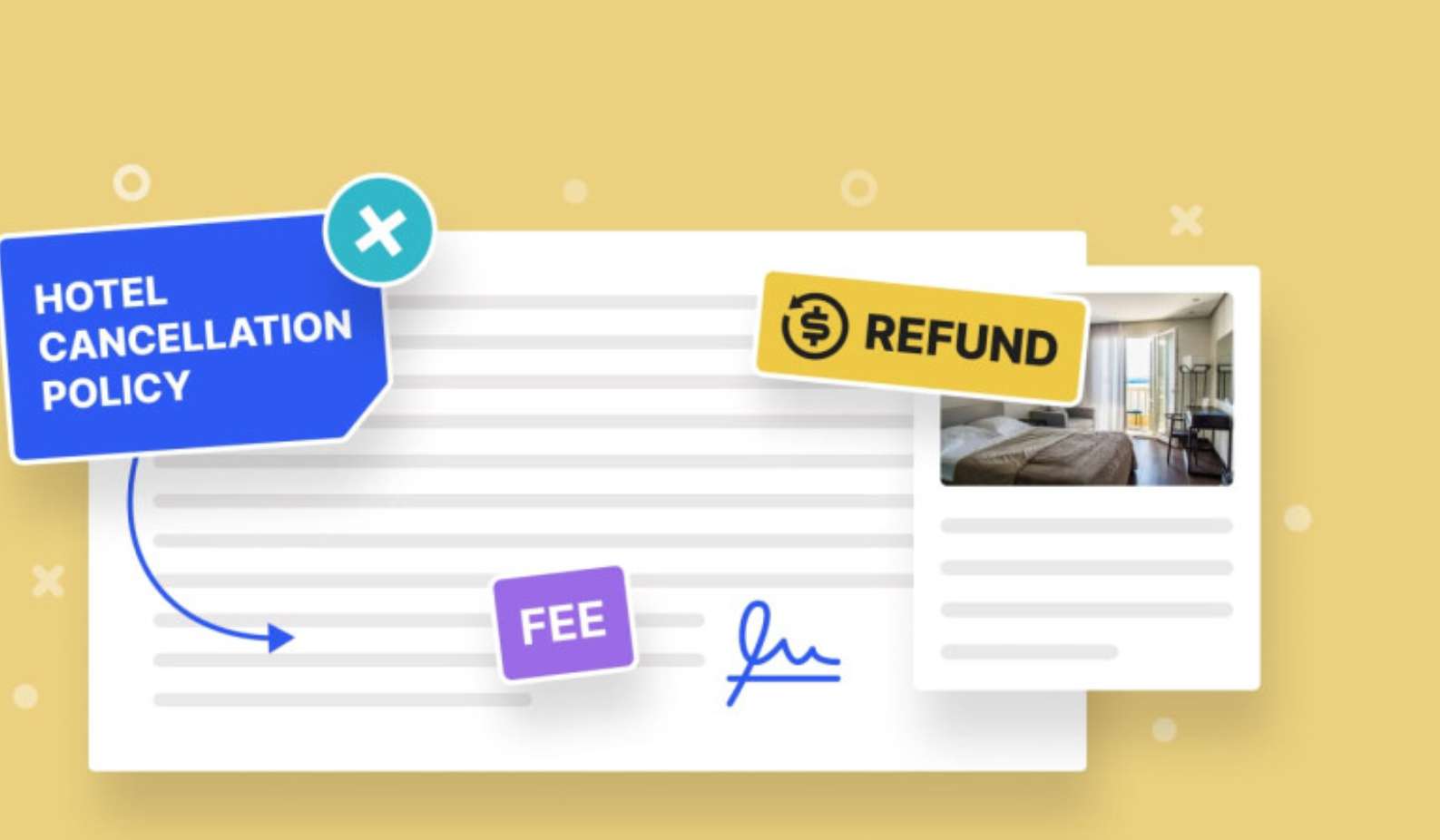
Check out the cancellation policies
Choose bookings by:
- Free cancellation
- Low change fees
This helps you avoid paying double fees (provider fees + Trip.com processing fees).
Up to 50% off hotels! Every Stay Feels Like You 💙

Final Thoughts
Trip.com booking fees are standard service fees that apply to flights, hotels, and other travel bookings.
While this might increase the final price, it’s usually quite transparent if you review the checkout page carefully.
If you compare prices, choose the right payment method, and understand the cancellation policies, Trip.com will always be a convenient and budget-friendly way to book your trips.
FAQs: Trip.com Booking Fees
-
What are the booking fees on Trip.com?
-
Does Trip.com charge a service fee on all bookings?
-
Are booking fees on Trip.com refundable?
-
Is Trip.com cheaper than booking directly?
-
Is Trip.com safe and reliable despite the booking fees?
Discover Affordable Travel Deals and Explore Destinations on Trip.com
-
الأكثر تميزًا
- عملات Trip Coins
- دليل عضوية Trip.com
- تقييمات Trip.com
- خدمة عملاء Trip.com
- إيصال Trip.com الإلكتروني
- اختيار المقاعد في Trip.com
- بطاقة ائتمان Trip.com
- رقم هاتف Trip.com
- تذكرة Trip.com الإلكترونية
- طرق الدفع في منصة Trip.com
- تسجيل الدخول في Trip.com
- إلغاء رحلة الطيران في Trip.com
- تغيير رحلة الطيران عبر Trip.com
- دليل تذاكر رحلات الطيران من Trip.com
- سياسات الإلغاء في منصة Trip.com
- الوصول إلى استراحة كبار الشخصيات في Trip.com
- استرداد مبلغ الحجز الفندقي في Trip.com
- تأجير سيارات من Trip.com