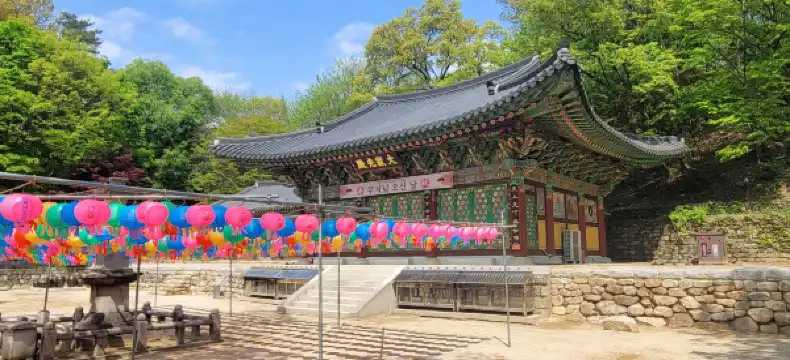
Hotels near Cheorwon Hospital, Cheorwon-gun
Enter your dates for the latest hotel rates and availability.
Swipe down to view more
Best Hotels near Cheorwon Hospital
See all
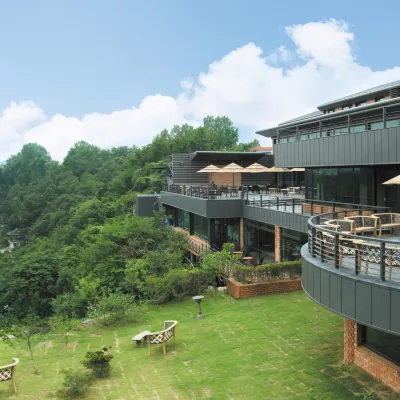
From RUB 7,493
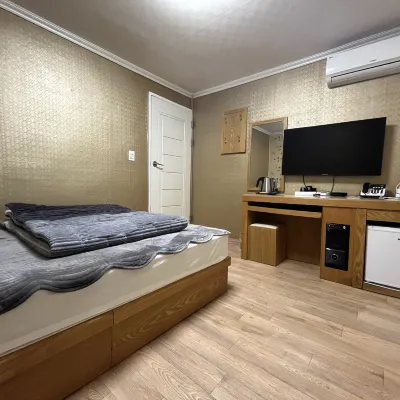
From RUB 2,836
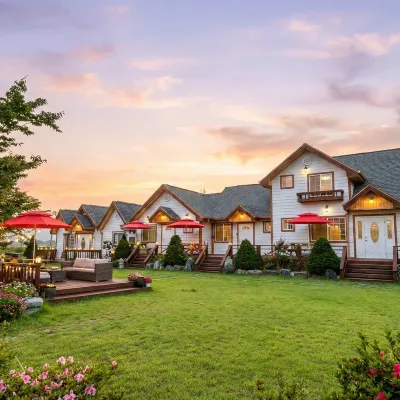
From RUB 7,129
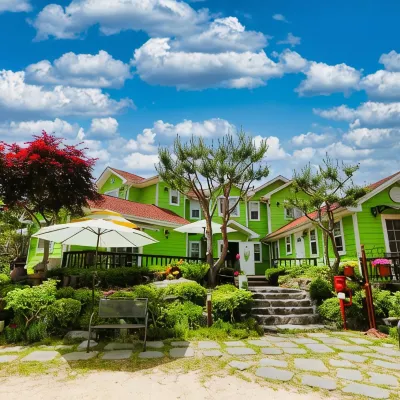
From RUB 6,075
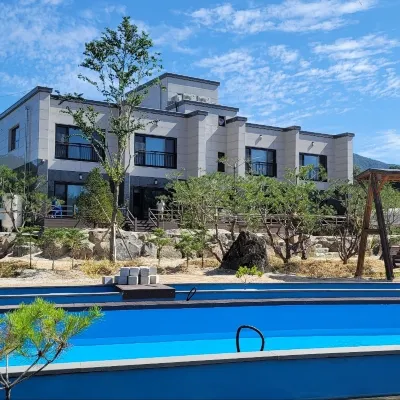
From RUB 6,137
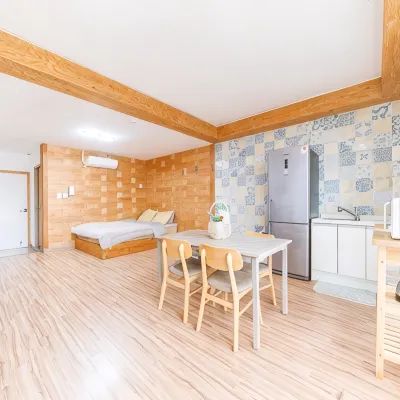
From RUB 4,958
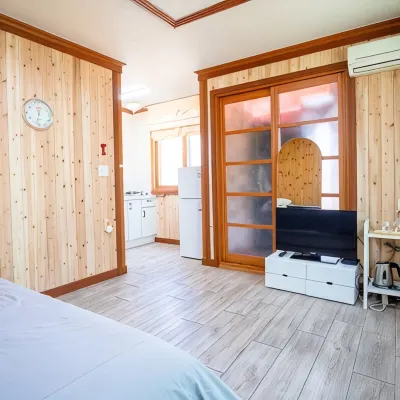
From RUB 3,991
From RUB 3,715
See all
Verified Reviews From Guests at Cheorwon-gun Hotels
See all
Read genuine traveler ratings & reviews to find your perfect stay.
Cheorwon Argo Log Pension
9.9/10
Outstanding
Posted on Sep 9, 2026|Huckleberry Fin
 Guest User
펜센자체가 너무 이쁘고 아담하고 2명이래도 사용할수있는 공간이 잇기때문에 2명이라도 충분히 놀러오실수있어요 사장님도 너무 친절하시고 펜션자체도 너무 깨끗하고 기본적인 사용할물건들도 다 준비대있어요 이번에도 잘 놀다가서 담에도 또 올예정이랍니다
Price per night from:RUB 5,447
Cheorwon Sun Benest Pension
9.5/10
Amazing
Posted on Jul 26, 2026|Sunflower Room
Guest UserSix friends stayed overnight. The pension by the river was good. After the rain, there was too much water in the river. Although it was a pity, it was a pleasant trip.
Bedding, toilet (video) and everything were good, but it was a great place except that there was a little lack of clumps such as cups.
The boss was good too
Thank you.
Price per night from:RUB 5,811
Cheolwon Northelgia Pension
9.5/10
Amazing
Posted on Jun 30, 2024
Guest User
Friendly and clean
It was a pity that the sofa was too old and the cushion was turned off.
Price per night from:RUB 5,020
Brown Dot Cheorwon Dongsong Branch
9.0/10
Great
Posted on Jul 24, 2026|Starndard Bed Room
Anonymous UserI had a very pleasant stay at Hotel Brown Dot Cheorwon Dong and would gladly return in the future. From the moment I arrived, the property gave off a clean, modern, and well cared for impression. The lobby was tidy and inviting, and the overall atmosphere felt calm and comfortable. My room was spacious enough to relax in after a long day, and it was equipped with all the essentials I needed for a convenient stay. The bed was especially comfortable, the linens were fresh, and the room remained quiet throughout the night, which made it easy to rest well.
The staff also made a strong positive impression. Every team member I encountered was polite, friendly, and ready to help with any questions or requests. Check-in was quick and efficient, and check-out was just as smooth, which made the entire experience feel effortless. It is always nice when a hotel combines good service with a stress-free process.
Another highlight was the location. The hotel is conveniently situated near restaurants, convenience stores, and several local points of interest, making it easy to get around without much trouble. Whether I was heading out for a meal or returning after sightseeing, the location worked very well as a base for my trip.
Overall, Hotel Brown Dot Cheorwon Dong offers excellent value for money. It provides clean accommodations, comfortable rooms, and dependable service in a convenient setting. I would recommend it to both business and leisure travelers who want a peaceful, practical, and enjoyable place to stay.
I especially appreciated the reliable Wi-Fi, the easy parking, and the sense of security throughout the property. Small details like these made the stay even more comfortable and convenient, and they added to the overall impression that this hotel is thoughtfully managed and consistently guest focused throughout.
Price per night from:RUB 4,104
Cheorwon Stay
7.8/10
Good
Posted on May 10, 2026
Guest UserThe accommodation is very close to the express bus terminal, room is comfortable and clean. There a lot of restaurants and convenience stores.
The woman there is very nice and willing to help.
I went there for the DMZ tour, came by the intercity bus from East Seoul express bus terminal, there is a taxi rank next to the bus terminal there, so it would be good for someone without a car. If you want to go there during weekdays, please note there is no shuttle. You need a taxi.
Price per night from:RUB 2,623
Cheorwon M Motel
7.7/10
Good
Posted on Jan 4, 2026
Guest User
The location is in the city, so there are many amenities such as meals and drinking, so it's good, and the room itself is not big, but it's very, really clean and well equipped with amenities. I travel a lot, but I liked my husband's accommodation so much. It was really clean and warm, and there is a private parking lot.
Price per night from:RUB 3,138
Cheorwon Pares
7.2/10
Posted on May 11, 2025
kyungjang
The accessibility was good right next to Goseokjeong tourist spot. Especially, the cleanliness of the facilities was quite satisfactory.
Also, there was a convenience store on the first floor, so there was no problem with the purchase of simple snacks. Quite satisfied facilities
Price per night from:RUB 2,422
Frequently asked questions
What are the best places to stay in Cheorwon-gun?
Some top places to stay in Cheorwon-gun are near popular attractions like Iron Triangle Battlefield, Sambuyeon Falls and Dopiansa—so you can quickly get to top landmarks and amenities you need.
What are the best family-friendly hotels in Cheorwon-gun?
For families traveling to Cheorwon-gun, great family hotel picks are Cheorwon Making Memories Pension (price from RUB 4,373), which are praised for their family-oriented features like spacious rooms and kid-friendly services.
Which hotels in Cheorwon-gun have hot springs?
Hotels with hot springs provide a perfect way to relax and recharge during your stay. Hantan River Spa Hotel (price from RUB 8,333) offers hot springs for a soothing stay.
Which hotels in Cheorwon-gun have pools?
Cheorwon Hangyeoul Pension (price from RUB 4,135) and Cheorwon Hwagang Yellow Earth Pension (price from RUB 9,448) are excellent options for hotels with swimming pools. Book your stay to enjoy the pool and make your trip more enjoyable.
What are the best hotels in Cheorwon-gun near Iron Triangle Battlefield?
Some standout hotels in Cheorwon-gun close to Iron Triangle Battlefield include Hantan River Spa Hotel (price from RUB 8,333), Cheorwon Pares (price from RUB 2,832) and Cheolwon Marronier Pension (price from RUB 6,829), all within easy walking or transit distance of Iron Triangle Battlefield, perfect for travelers wanting to explore the landmark and its surroundings.
How to get good deals on hotels in Cheorwon-gun?
Find the best hotel deals and promotions on Trip.com, available year-round for both first-time and loyal users. Please check the promotions page to see what promotions are available now on Trip.com.
Keep Exploring
Cheorwon-gun Hotels near Attractions
Hotels near Cheorwon GymnasiumHotels near Cheorwon Public StadiumHotels near Cheorwon HospitalHotels near Hantan River Country ClubHotels near Cheorwon Manna ChurchHotels near Buyeonsa TempleHotels near Cheorwon Tourist Information CenterHotels near Cheorwon Public Health CenterHotels near Goseokjeong National Tourist AreaHotels near Galmal Catholic ChurchHotels near Cheorwon-gun OfficeHotels near Guntan ParkHotels near Galmal Library
Most Viewed Hotels in Cheorwon-gun
Cheolwon Damteo PensionCheorwon Bawesaem PensionCheorwon Evergreen PensionCheolwon Blue PensionCheorwon Making Memories PensionCheorwon Tanto MotelCheorwon Beulbee PensionCheorwon People's World PensionCheorwon StayCheorwon Hwagang Yellow Earth PensionCheolwon Northelgia PensionPocheon Sanida GlampingCheorwon Hakmaru Pension (Temporarily Unpublished)Cheolwon Elephant PensionCheolwon Noblesse Glamping CaravanHantan River Spa HotelCheolwon Hyesung PensionCheorwon ParesCheorwon Yeongjin Pensioncheol-won byeolbinaelineunma-eul Pension
Popular Cities
Hotels in ParisHotels in DubaiHotels in Saint PetersburgHotels in New YorkHotels in OsakaHotels in MoscowHotels in SingaporeHotels in KochiHotels in Genting HighlandsHotels in BangkokHotels in AhmedabadHotels in Mammoth LakesHotels in BangaloreHotels in Saint MoritzHotels in VailHotels in VancouverHotels in RiyadhHotels in Kuala LumpurHotels in AjmanHotels in Abu DhabiHotels in PhuketHotels in DavaoHotels in MakkahHotels in DuluthRose Rayhaan by Rotana - DubaiAbidos Hotel Apartment Dubai LandToy Story HotelGrand Regal HotelAsiana Grand HotelKhalidiya Palace Rayhaan by Rotana